
Your browser forgets everything.Step doesn't.
Step is the macOS context browser that remembers your tabs, groups, annotations, and layouts — across sessions, days, and projects. Built for people who think in parallel.
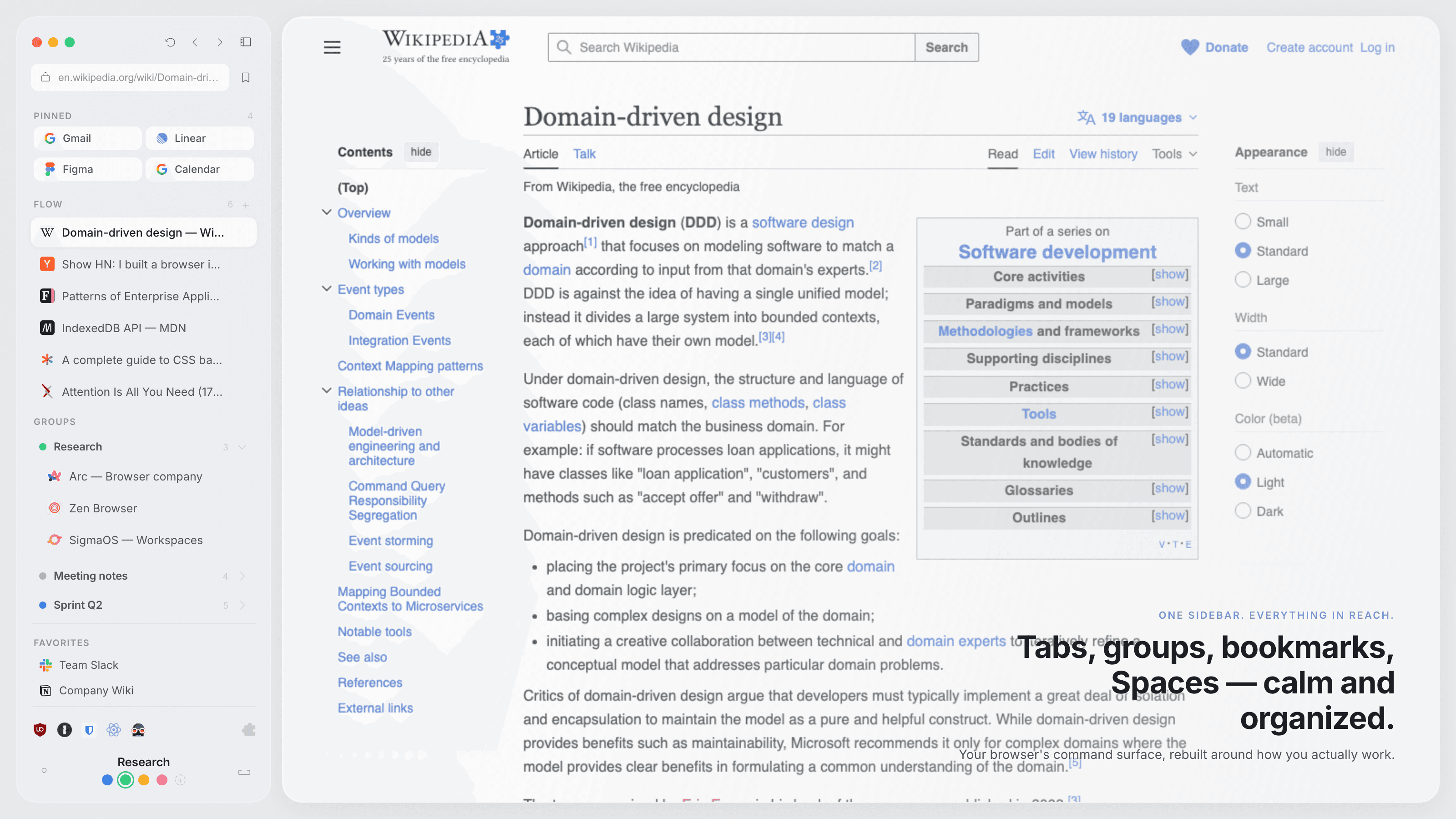
SPACES
One browser, many worlds.
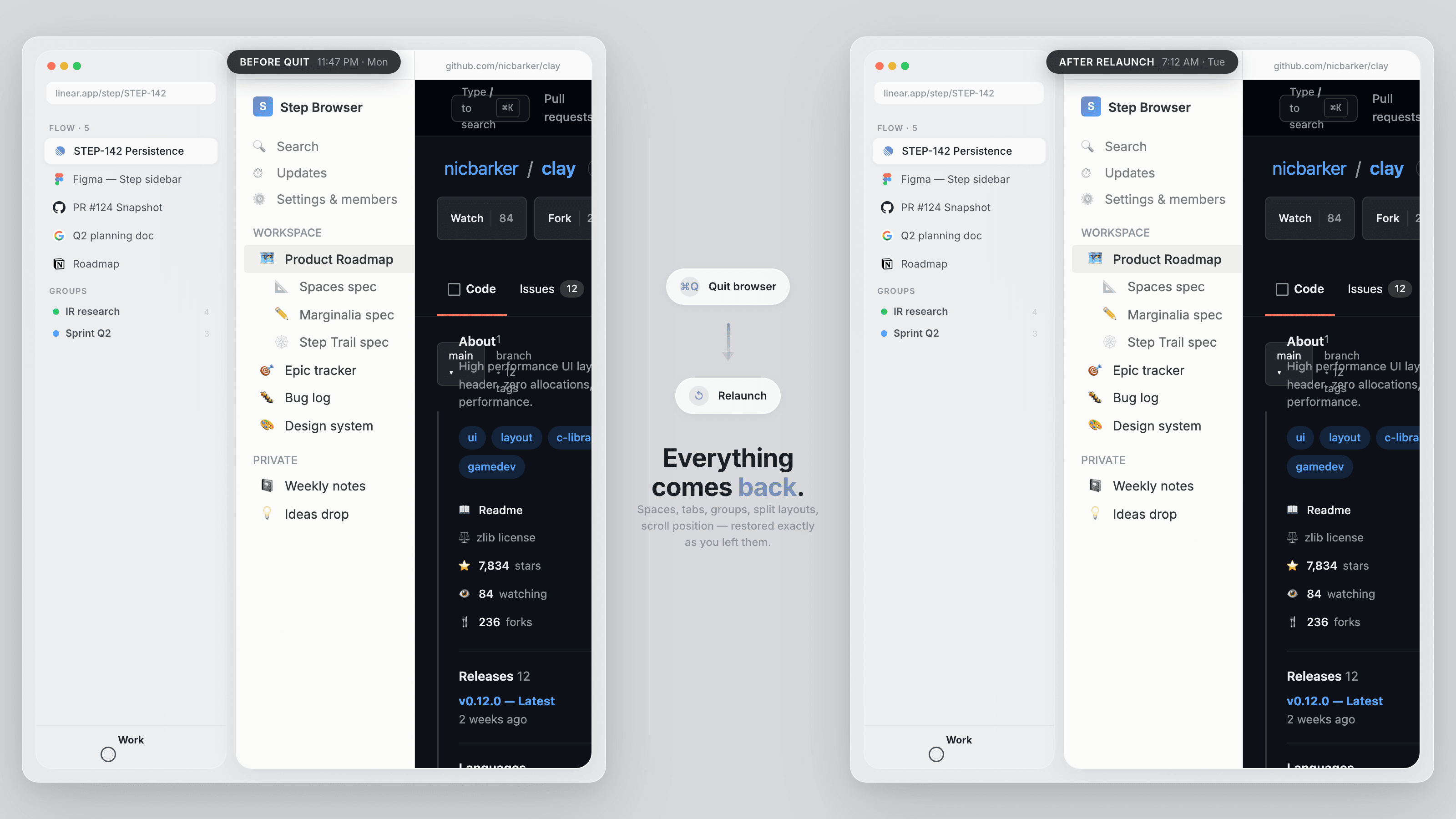
Spaces are persistent contexts, each with its own tabs, groups, split layouts, and annotations. Switch between Work, Research, and Personal without losing a single thread. Close the browser. Reopen it. Everything is exactly where you left it.
Groups form when you need them, dissolve when you don't. A lightweight way to bundle related tabs, with a color, a name, and one click to collapse.
STEP TRAIL
Your history, as a map.
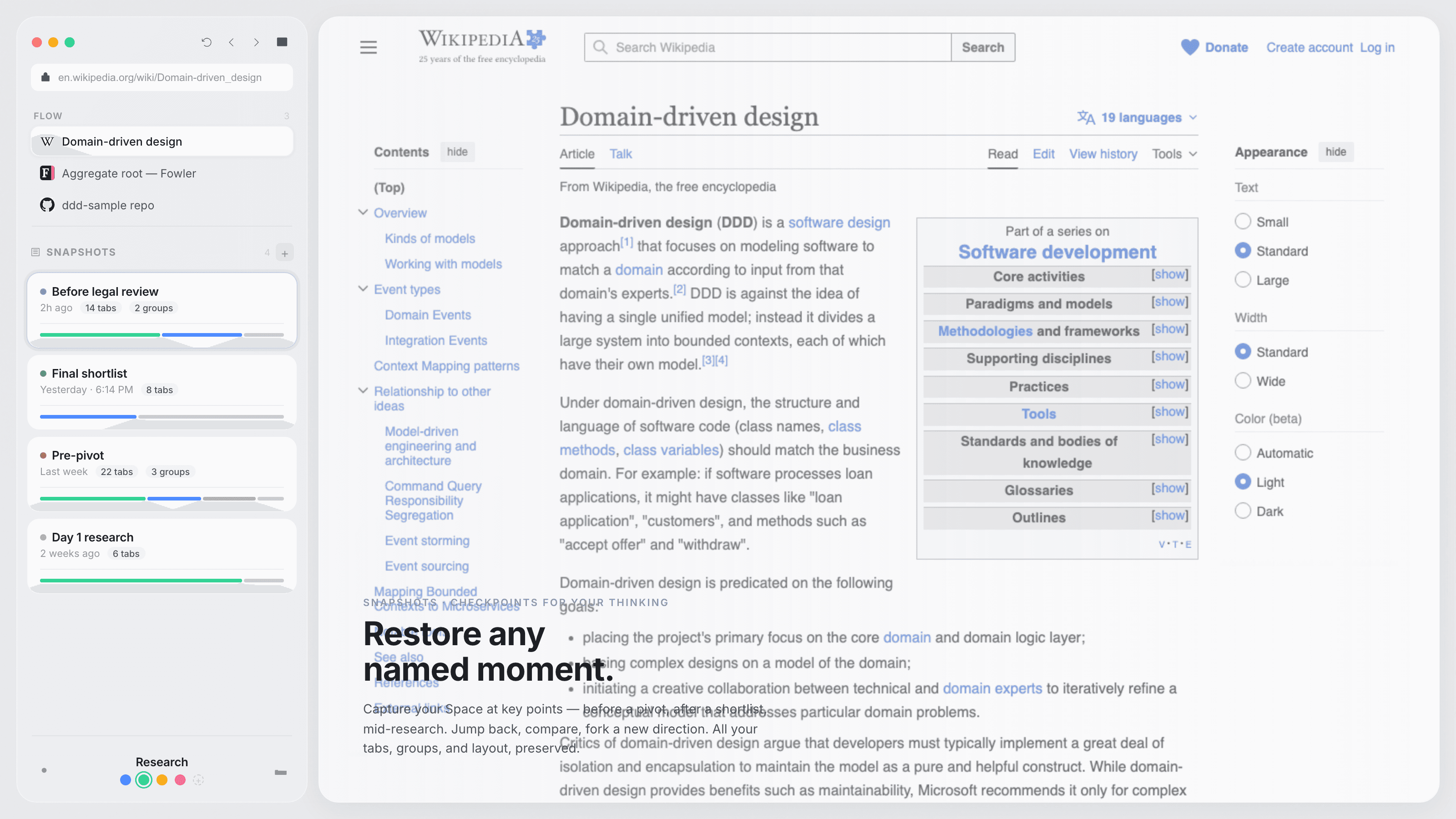
Step Trail records how you explored. Every page, every branch, every fork, captured as a visual graph. Drop a checkpoint. Jump back days later. Pick up exactly where your thinking diverged.
Fork a trail
Explore a new direction without losing the original path.
Drop checkpoints
Name important moments in your exploration.
Jump back anytime
Return to any point in your research, instantly.
MARGINALIA
Highlight the web. Keep what matters.
Select any passage. Pick a color. Add a note. Step Marginalia is a native annotation layer. No extension, no third party, no lock-in. Everything lives in your Space, searchable and yours.
GRAPH FIND
Search everything you've ever browsed.
Remember a phrase from something you read last week? Cmd+F now searches across your entire Space. Every page, every annotation, every snippet. Results come back with context: where, when, and how to get back.
UNDER THE HOOD
Chromium inside. Your extensions work.
Step is built on Chromium, the same engine behind Chrome, Edge, and Brave. Your passwords, extensions, and bookmarks carry over. Same security updates. Same web compatibility. A better shell around a proven core.
Security updates
Step tracks upstream Chromium releases. Every security patch, every CVE fix, delivered through our automated pipeline.
Extension compatible
Your Chrome extensions work in Step. Password managers, ad blockers, dev tools. All of them.
Local-first
Your data stays on your Mac. No cloud sync required. No account needed. Everything is stored locally.
DESIGN
Calm software for focused work.
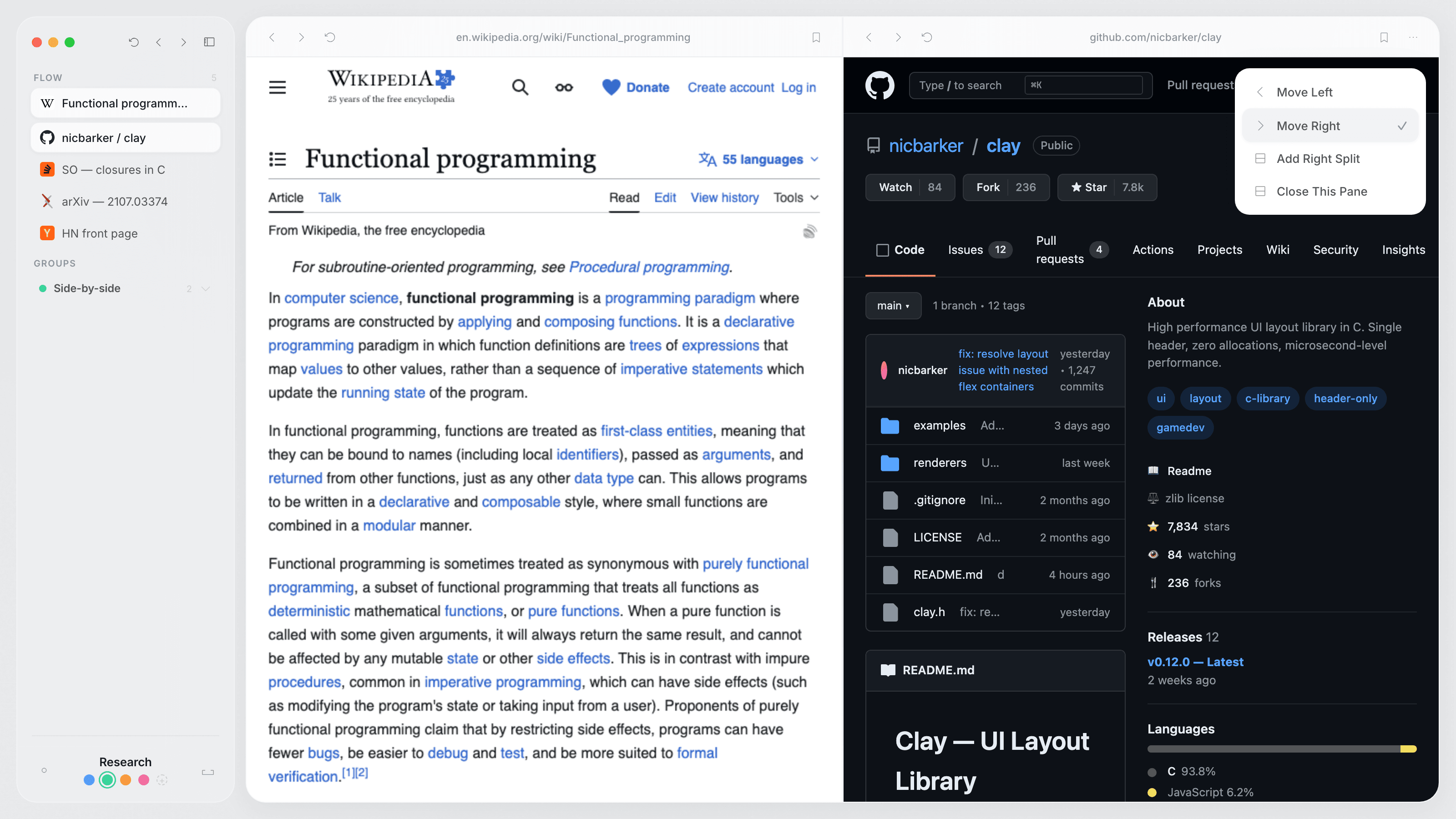
No toolbar stacks. No tab explosions. No visual noise. Step's interface is a single sidebar that reflects how you work, with everything in reach and nothing in the way.
FAQ
Questions & answers.
Step is free during the private beta. We're focused on building the best browser possible before thinking about pricing. When we do, it will be fair and transparent.
Step preserves your entire working context. Not just tabs, but the shape of your exploration (Step Trail), your annotations (Marginalia), and your scoped search history (Graph Find). Where other browsers manage tabs, Step preserves how you think.
Yes. Step is built on Chromium, the same engine behind Chrome. Your extensions, passwords, and bookmarks carry over. Password managers, ad blockers, dev tools. They all work.
No. Step is local-first. Your Spaces, annotations, navigation history, and all browsing data stay on your Mac. No account required. No cloud sync. No telemetry on your browsing.
We're focused on delivering the best macOS experience first. Windows is on the roadmap, but we'd rather ship one outstanding product than two mediocre ones. Want to show your interest? Hit the Windows button above.
Step tracks upstream Chromium releases through an automated pipeline. Every security patch, every CVE fix from the Chromium project is integrated into Step within days. You get the same security as Chrome, with a better browser on top.
Import from Chrome, Safari, and Firefox is planned for the beta launch. Bookmarks, history, passwords, and extensions will carry over to make switching seamless.
Join the Step Brothers.
Product updates, behind-the-scenes, and first access. All on X.

EARLY ACCESS
Reserve your access to Step.
Early access is open to macOS users. Drop your email and we'll send the link the moment your spot is ready.
No spam. Just the access email. Unsubscribe in one click.